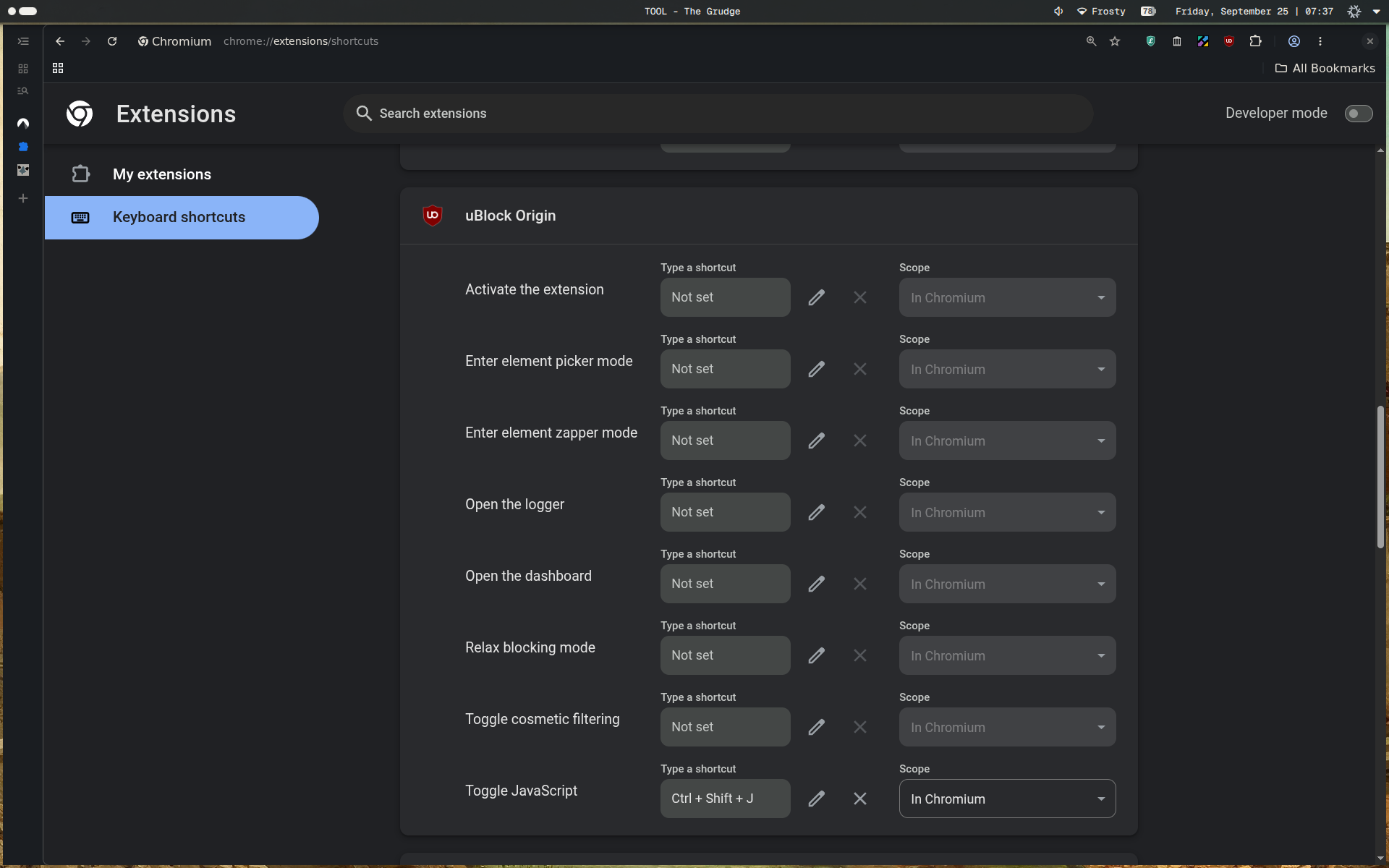
Something I didn’t know existed until this week was the ability to hotkey Chromium extensions so that you have them one keypress away.
Two examples for me would be the following:
Running no javascript via uBlock origin (you can easily install full uBlock in Ungoogled Chromium via downloading the latest release zip and pointing to it in developer mode in Chromium settings) has been a great experience, turning it on only when sites are entirely borked makes the web far more enjoyable, less distracting, and safer.
But, clicking into the extension, hitting the JS button, and reloading the page was a bit annoying - So, Ctrl+Shift+J and I have JS enabled/disabled. Simple.
I have also been blocking a ton of distracting sites with LeechBlock NG, but sometimes I need to view >reddit for discussions on a topic I am researching or poast to various social platforms, so Alt+Shift+O opens up the override page where I usually disable the extension for 2 minutes or so, and then go about my day.
Navigate on over to , and set the keys for any extensions you run. Although you don’t have full access to all functionality of most extensions, It’s pretty nice for the most used interactions.
Conclusion#
As always, God bless, and until next time.
If you enjoyed this post, consider Supporting my work, Checking out my book, Working with me, or sending me an Email to tell me what you think.